Kirby Stylized Rendering
This was my attempt at stylized rendering in Unity. I wanted to recreate that soft, childish Kirby look - like something a kid drew with crayons. The goal was to find a style I liked and try to copy it, and Kirby felt perfect for that. I'm really happy with how it turned out, even though it looks simple on the surface. I wrote all the rendering code myself to really understand how Unity's pipeline works.
Table of Contents
Toon Shader & Multi-Light Support
The base of the look is a custom toon shader with hatching-style shading. I'm using line patterns instead of solid shadow colors to give it that hand-drawn feel. The shader supports both directional and point lights, which was important for getting nice rim lighting and colored light effects.
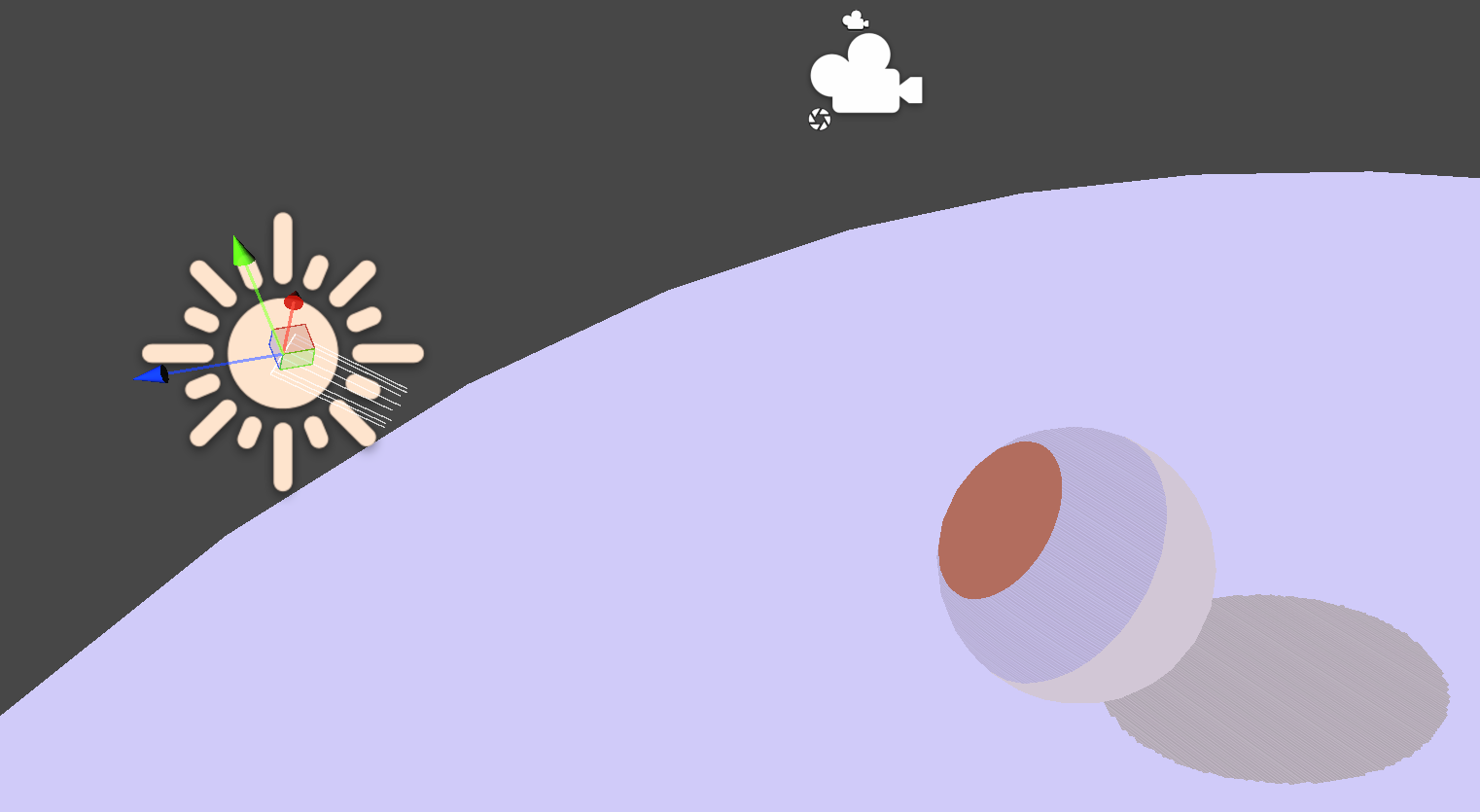
Directional light + hatching
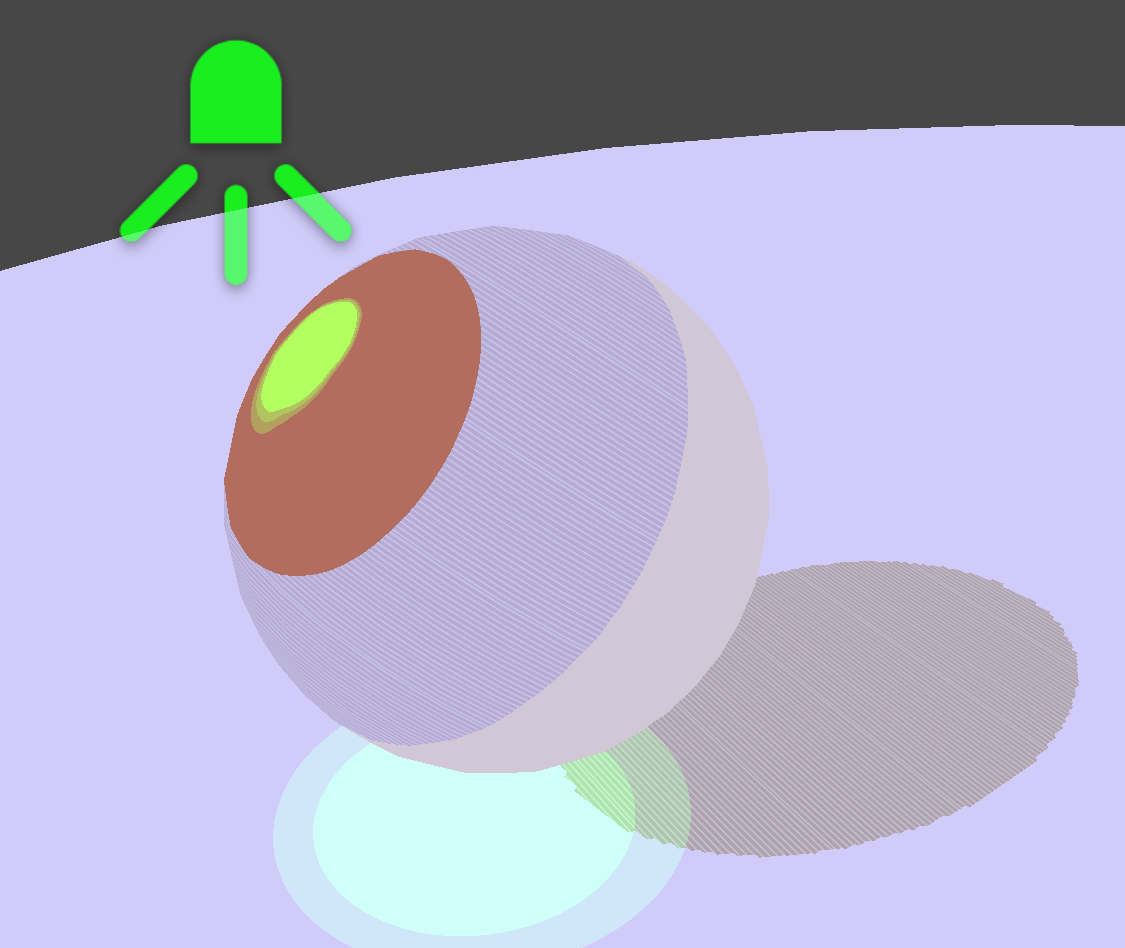
Point light support
Custom Shadow System
URP doesn't give you shadow support out of the box for unlit shaders, so I had to write custom functions to make shadows work. The real challenge was supporting multiple spotlights - each one needed its own shadow map. I went deep into Unity's lighting pipeline to figure out how to sample shadow maps correctly and blend multiple light sources.
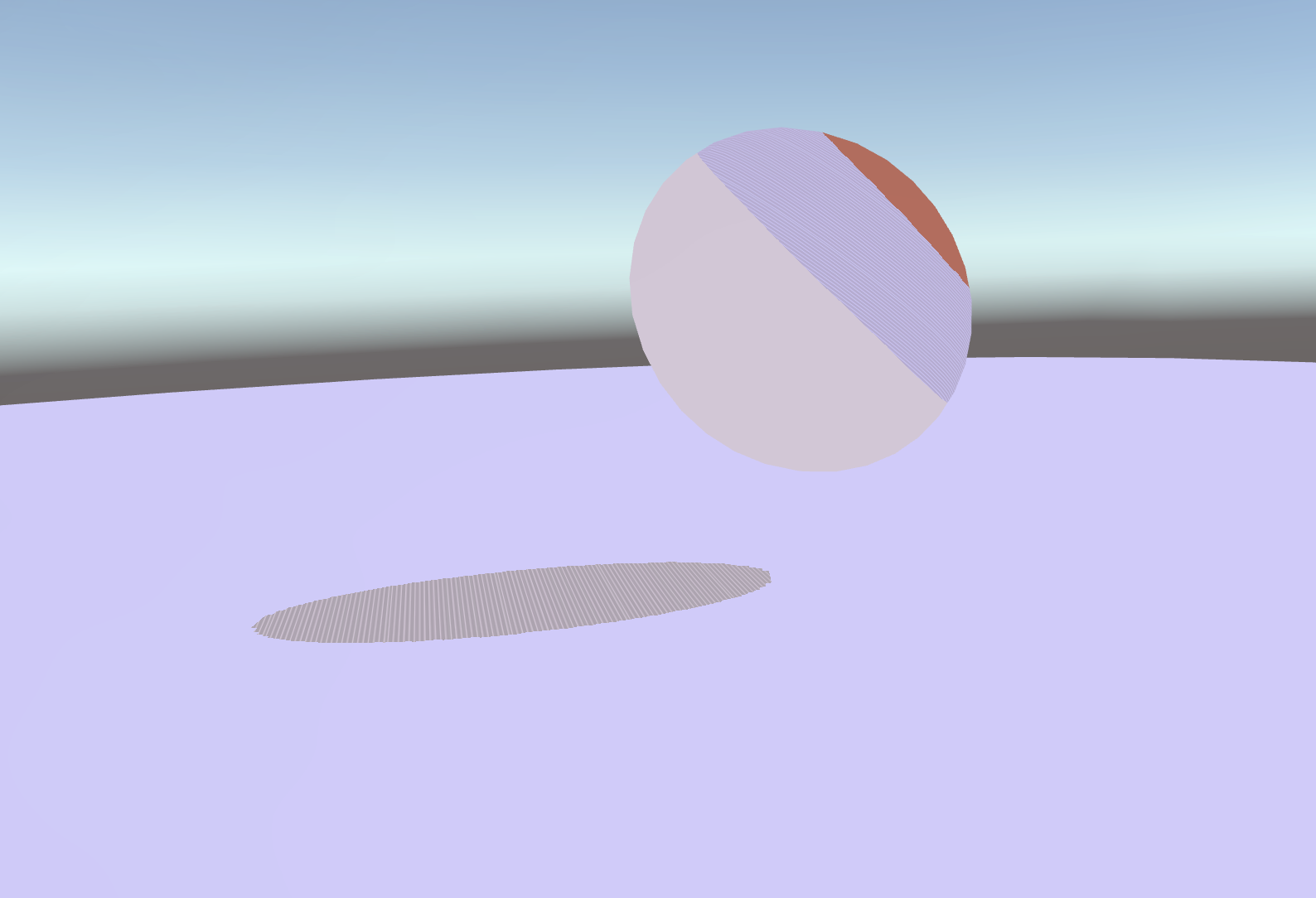
Hatched shadows with custom sampling
Inverted Hull Outlines
For the stars in the background, I used inverted hull rendering to get those thick, colored outlines. It's a classic technique - you render the back faces of the mesh, push them out along the normals, and color them. I set this up as a separate render pass using URP's Render Objects feature with a dedicated layer mask.
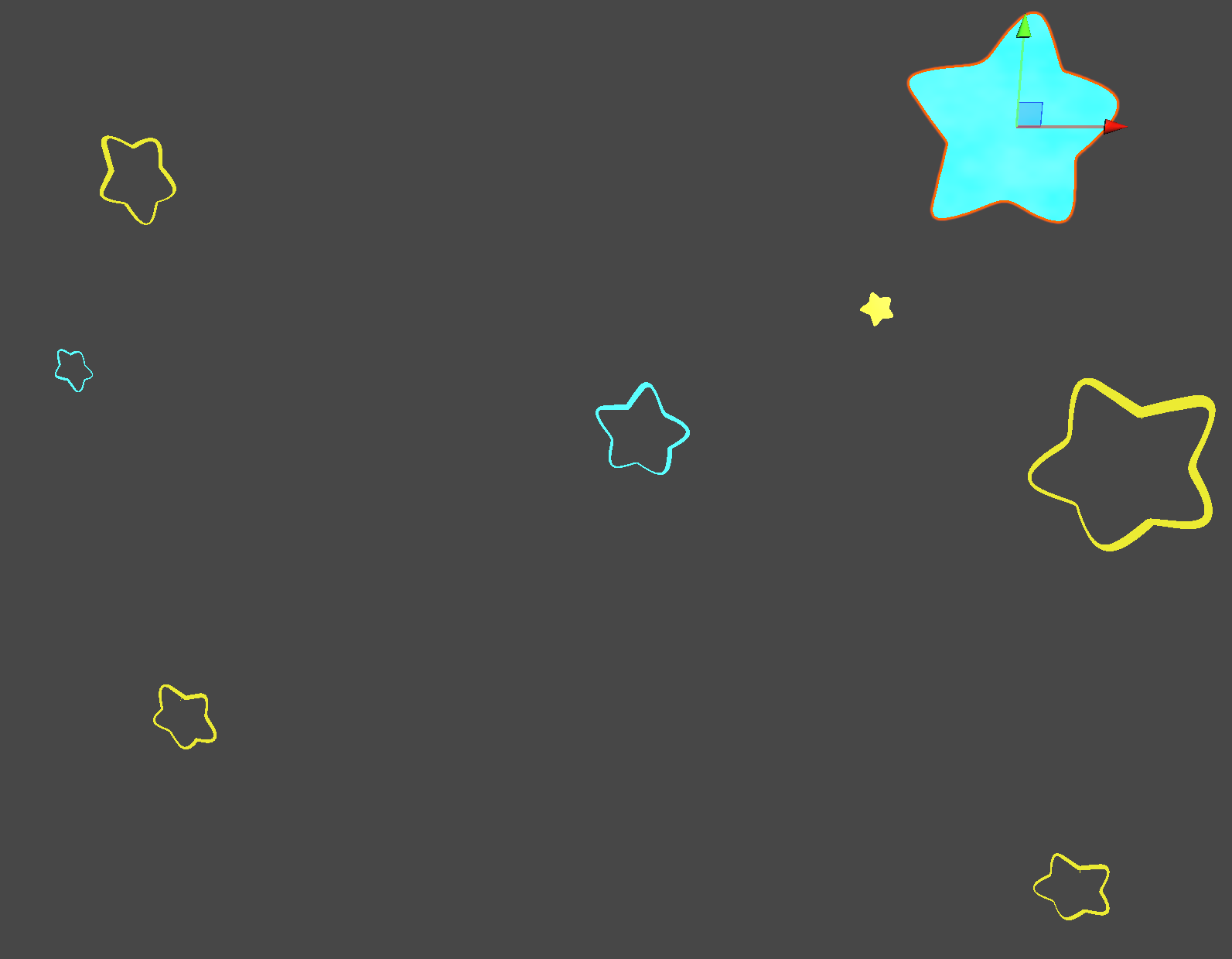
Cyan and yellow stars with inverted hull outlines
Post-Process Outlines
I wrote my own rendering pipeline for the outlines using the Sobel edge detection algorithm. I actually implemented two types:
- Depth-based outlines: These detect edges by looking at depth discontinuities - where one object ends and another begins.
- Normal-based outlines: These pick up surface details and inner edges by detecting changes in surface normals.
Combining both gives you that complete hand-drawn outline look where you get both silhouettes and internal details.
Crayon Noise Effects
To get that crackling crayon texture, I used a lot of procedural noise. I added noise to the outlines to make them wobbly and imperfect, like they were drawn by hand. The white smudge effect and animated background also use noise with tiling and offset controls.
Watercolor smudge material in action
Note:I used procedural noise to save time during development, but I wouldn't recommend it for production. Textures perform way better and are basically free - you can generate them easily. My goal here was just to nail the rendering look, not optimize for shipping.
URP Render Features Stack
To pull all this off, I had to stack a ridiculous amount of URP Renderer Features. Each effect needed its own render pass at the right point in the pipeline:
- EdgeDetection: Full screen pass before opaques for Sobel outlines
- NormalFeature: Captures normal buffer for normal-based edge detection
- VignetteMaterial Kirby: Post-processing vignette pass
- Hull: Render Objects pass for inverted hull outlines on "Hulled" layer
- backmat: Background material rendered before everything
- Hulled Yellow: Separate pass for yellow-outlined objects
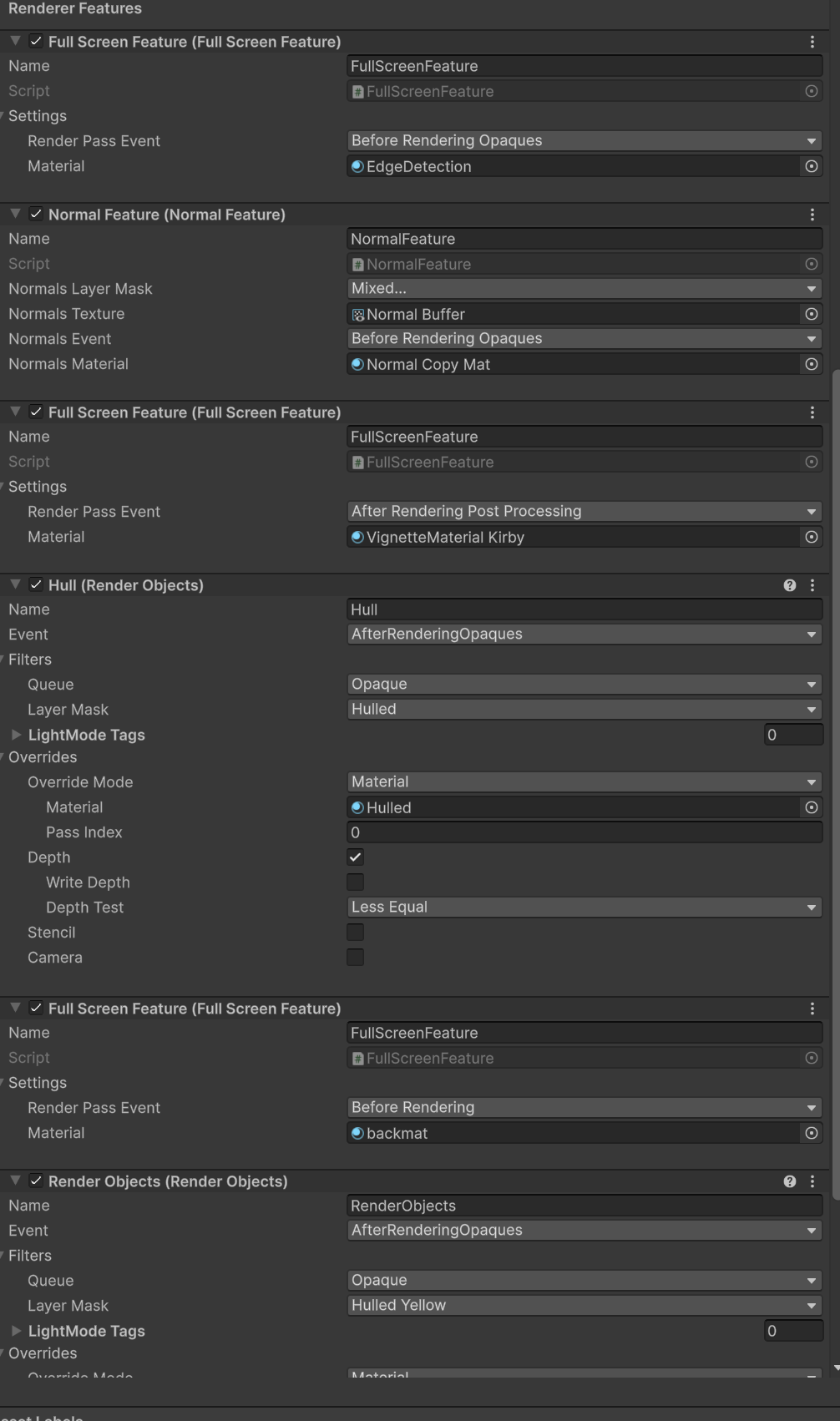
The full render feature stack
Practice Render: Sonic
Before tackling Kirby, I did a practice render with Sonic to get a feel for the stylized rendering techniques. The idea and mesh came from a UPenn CG lab I found online.
Sonic stylization practice render - idea and mesh from UPenn CGGT lab
Model Adjustments
I grabbed an external Kirby model online to save time, but I had to edit it. The original was very low-poly, which caused shadow aliasing issues - you'd see stair-stepping artifacts on the shadows. I had to add more vertices and refine the geometry to get clean shadow edges.
It looks simple, but I wrote everything myself. Custom shadow functions, custom render passes, custom materials. I really wanted to understand how Unity's rendering pipeline works under the hood, and this project forced me to dig deep into all of it.
Credits
- Kirby model from external source (edited for shadow quality)
- Reference: Kirby game franchise by Nintendo/HAL Laboratory
Tech Stack
Unity
URP
HLSL
Shaders
C#
Render Features
Blender
Model edits